
To ensure a smooth and efficient production process, there are several key considerations required at the design stage, when preparing the artwork file and when placing the order.
This guide provides stamping tool manufacturers with all the necessary information, covering topics such as file format, layer setup, design limits, and order details.
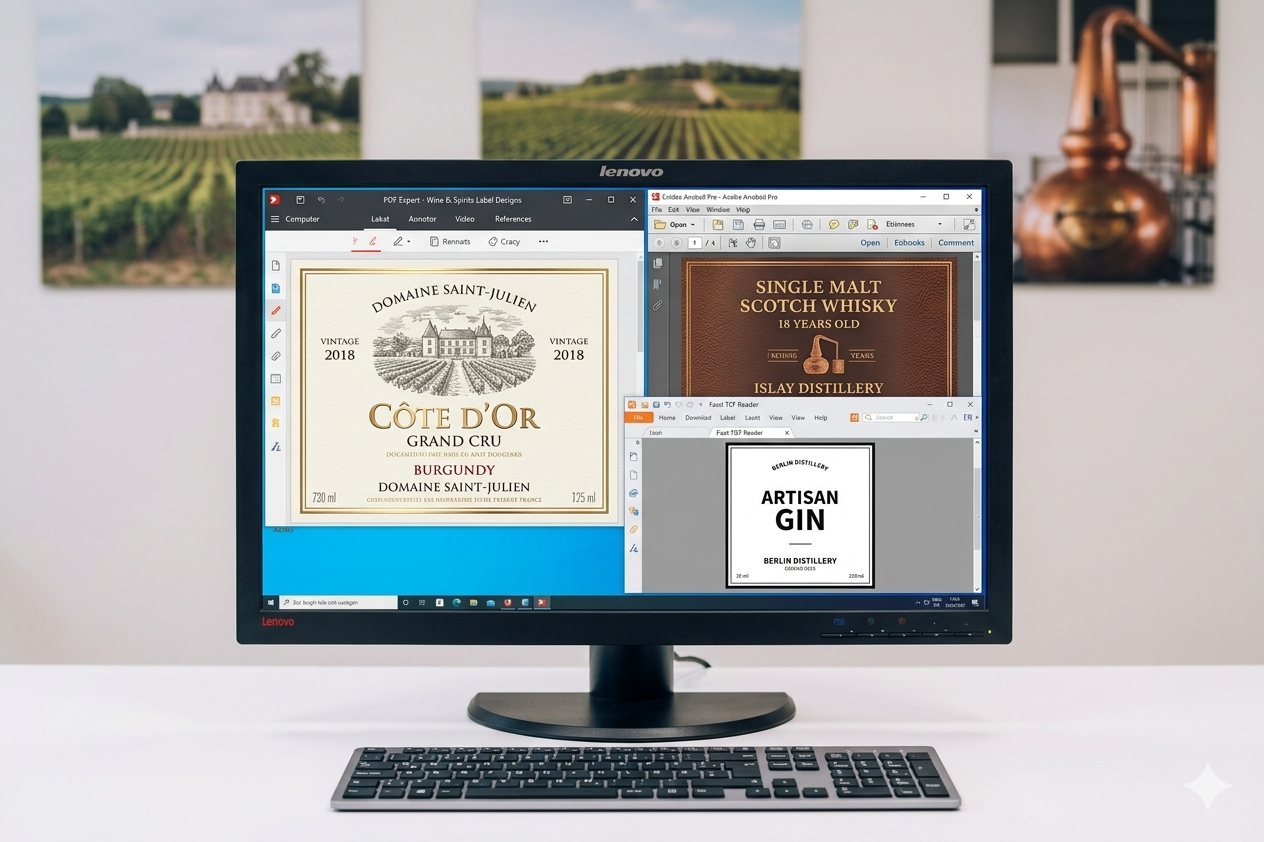
Most tool manufacturers can process common file formats for Mac and PC. Vector files are preferred, as they are scalable without quality loss and enable precise tool manufacturing.
Adobe Illustrator
.ai or .eps — vector, scalable, no quality loss
Adobe Acrobat
.pdf — widely supported, check embed settings
Adobe Photoshop
.psd — minimum 1200 dpi bitmap resolution required
Adobe InDesign
.indd — package file with all linked files included
Note: All fonts and strokes must be converted to paths — no live text elements in the final file. If unsure about the right format, please contact your tool manufacturer in advance.
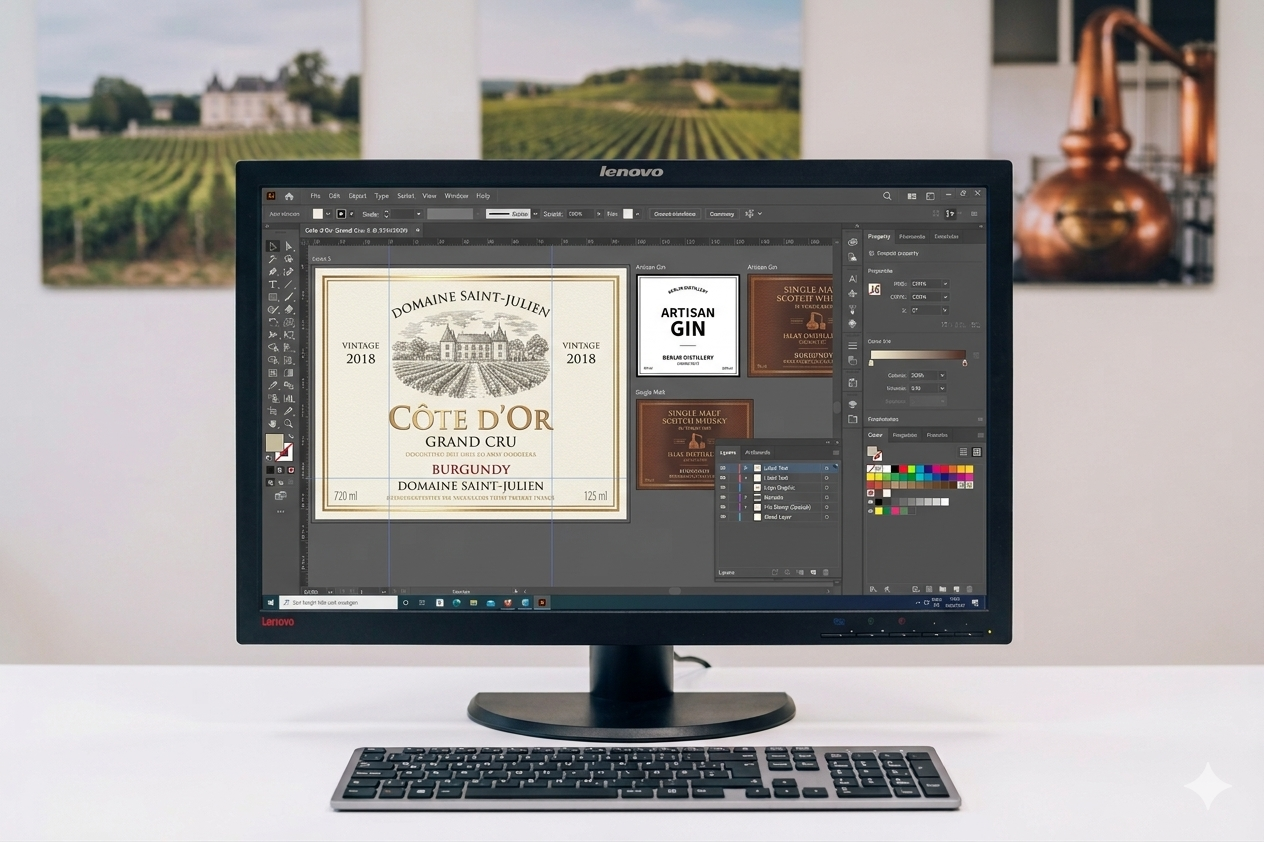
Adobe Illustrator with label artwork open — vector files (.ai, .eps) are the preferred format for hot stamping tool production
The requirements vary depending on the type of embellishment. The following applies to all common tool manufacturers and is valid for flat stamping, embossing, and combination jobs.
Each foil and embossing level should have its own dedicated layer.
Using descriptive names for layers — rather than generic names like ‘Layer 1’ — saves time in tool design and avoids costly back-and-forth.
The optimal artwork file for labels includes:
Layer 01
Cut line and frame for positioning the pattern
Layer 02
Flat stamping, one layer per foil type and colour
Layer 03
Level 1, 2, 3 separately — never all on one layer
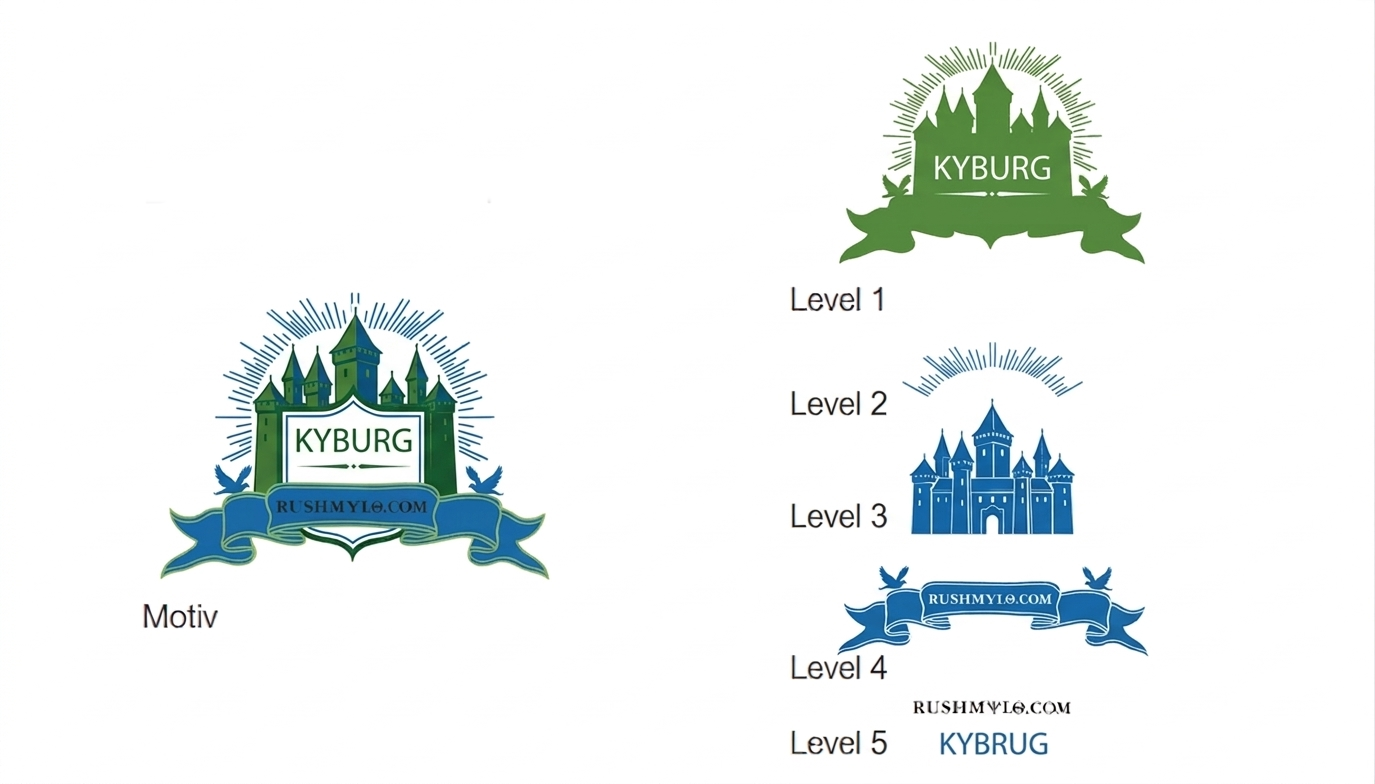
Correct: separate layers per function
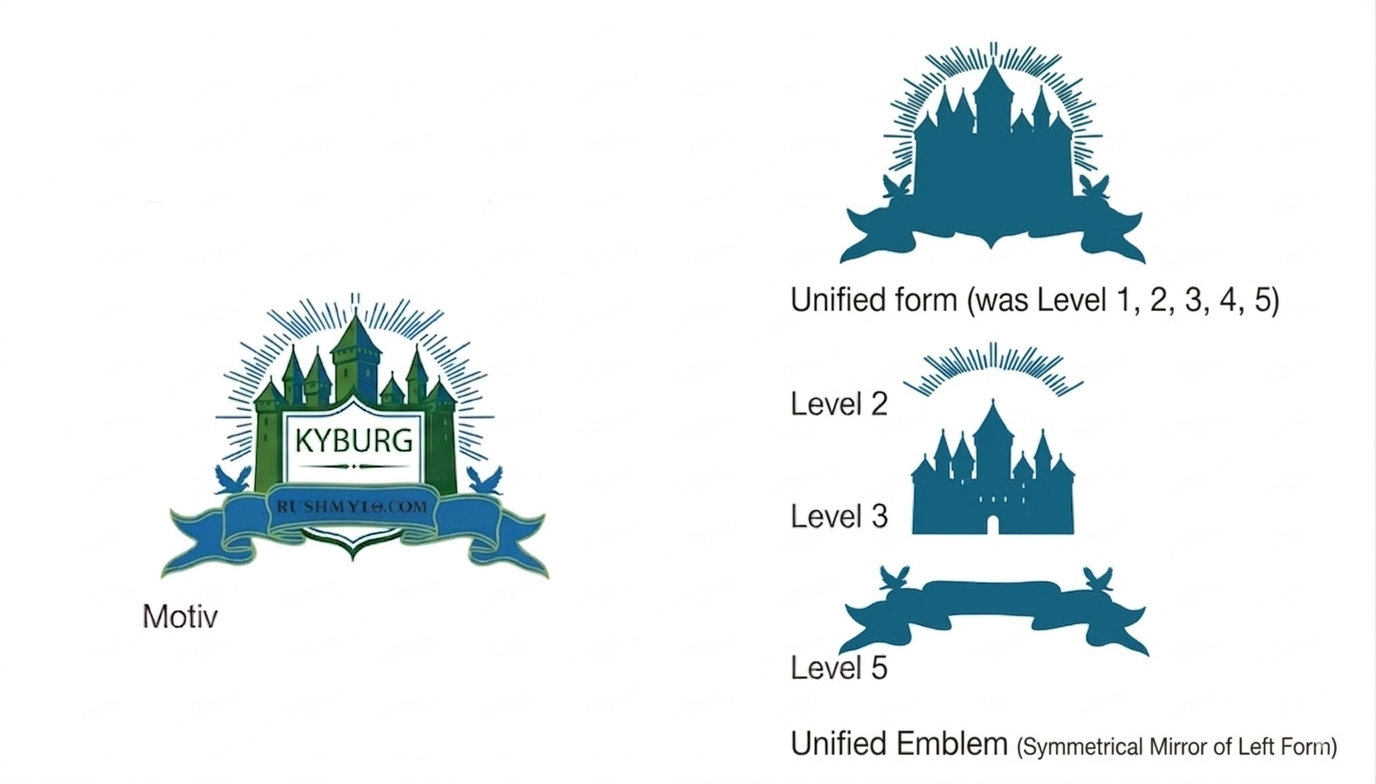
Incorrect: all artwork on one layer
The design limits always depend on the chosen embellishment type and the material used, and must stay within the tool manufacturer's specifications.
As a general guideline, the following minimum values apply:
If motif elements overlap in the design, the paths must be separated, with each element placed on its own layer. Lines that cross each other cannot be engraved correctly, resulting in tool defects. Therefore, always use filled shapes and ensure clean, non-overlapping paths.
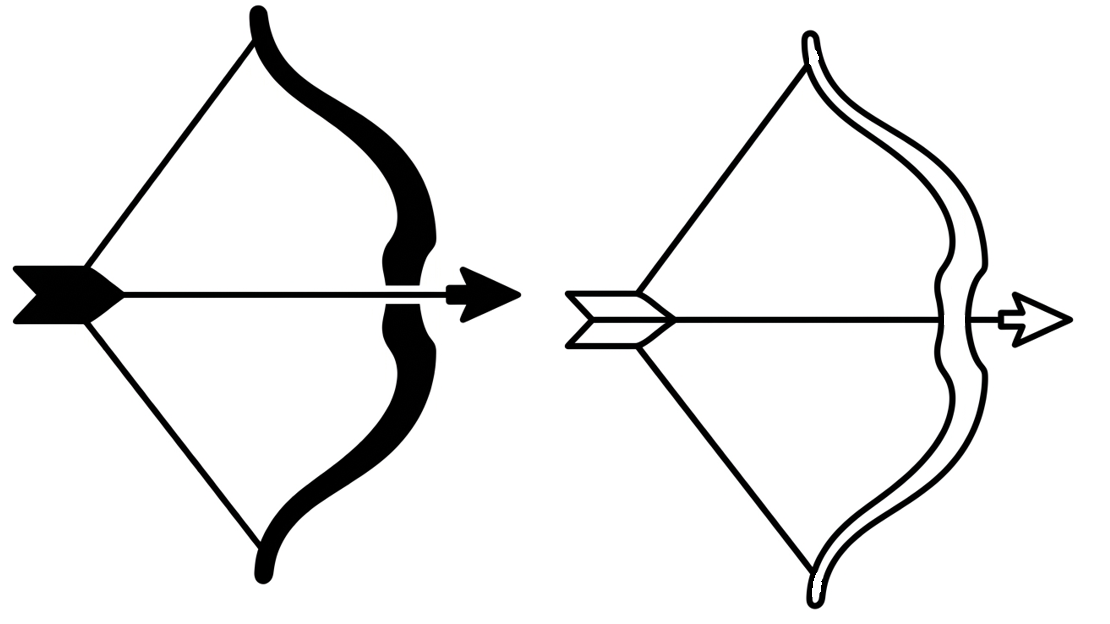
Correct: paths do not intersect
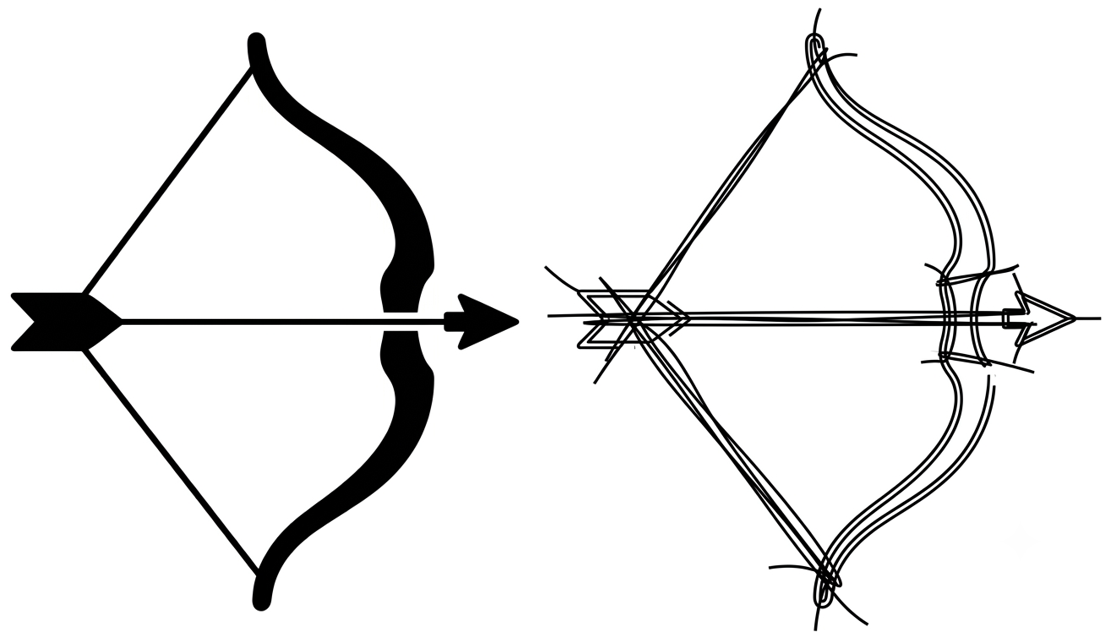
Incorrect: intersecting lines in artwork
The following additional information is required for correct tool design:
Ready to take the next step?
Our application engineers review artwork files and advise on layer setup, file format and design limits before you send them to the tool manufacturer.
Ask our experts